Creating a Project
Once you've signed up and completed workspace setup, you're ready to create your first project.
Context
Projects are the basis of the Anneal application. They span your entire workspace, are visible to all users, and contain almost all of the information your team generates. From a user's perspective, they have only two properties: Title and Description.
Instructions
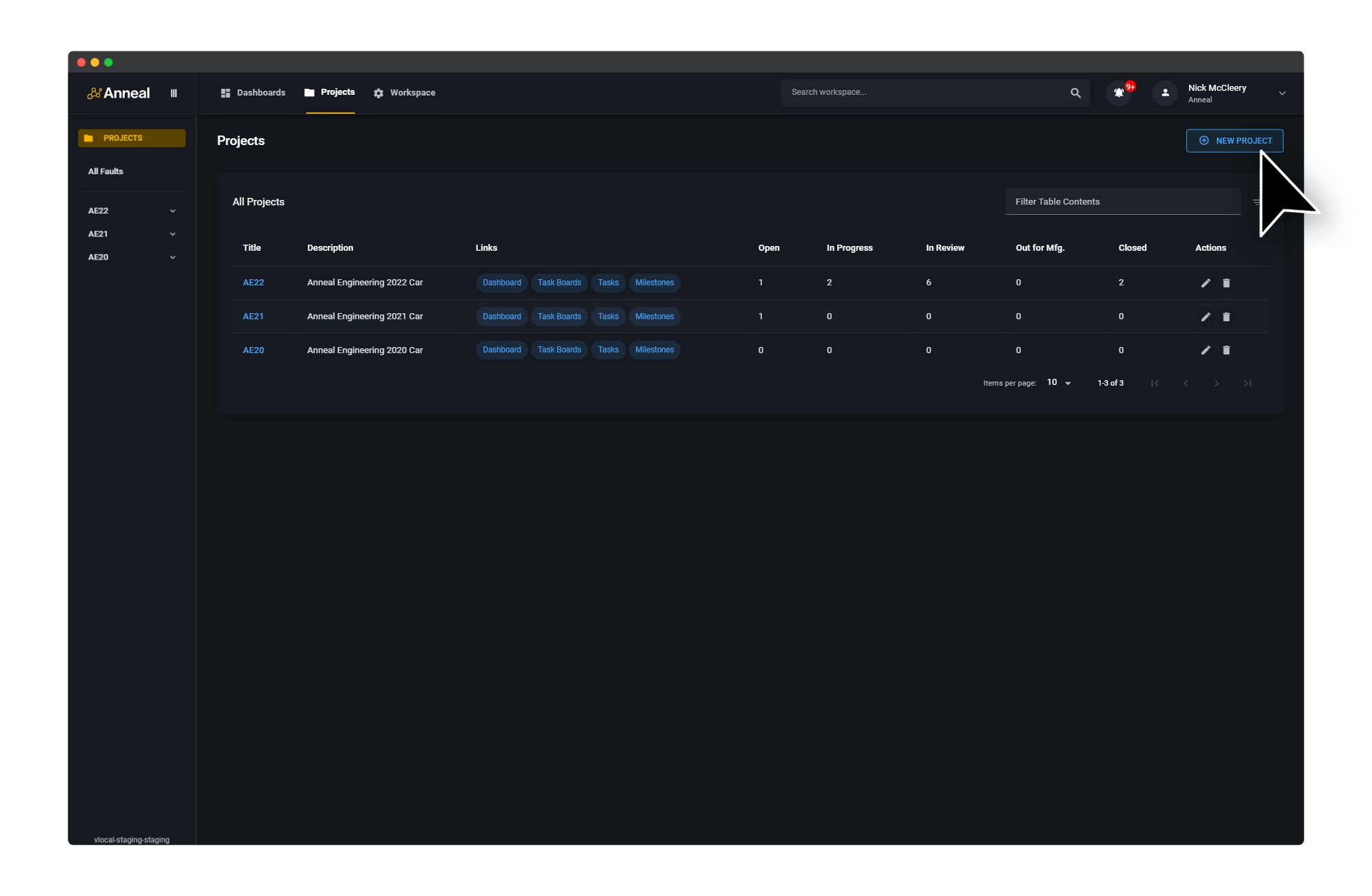
To create a new project, select the Projects tab from the top navigation bar, then click the New Project button in the top right corner.
When prompted, enter a Title and Description for your project, then click Create Project.
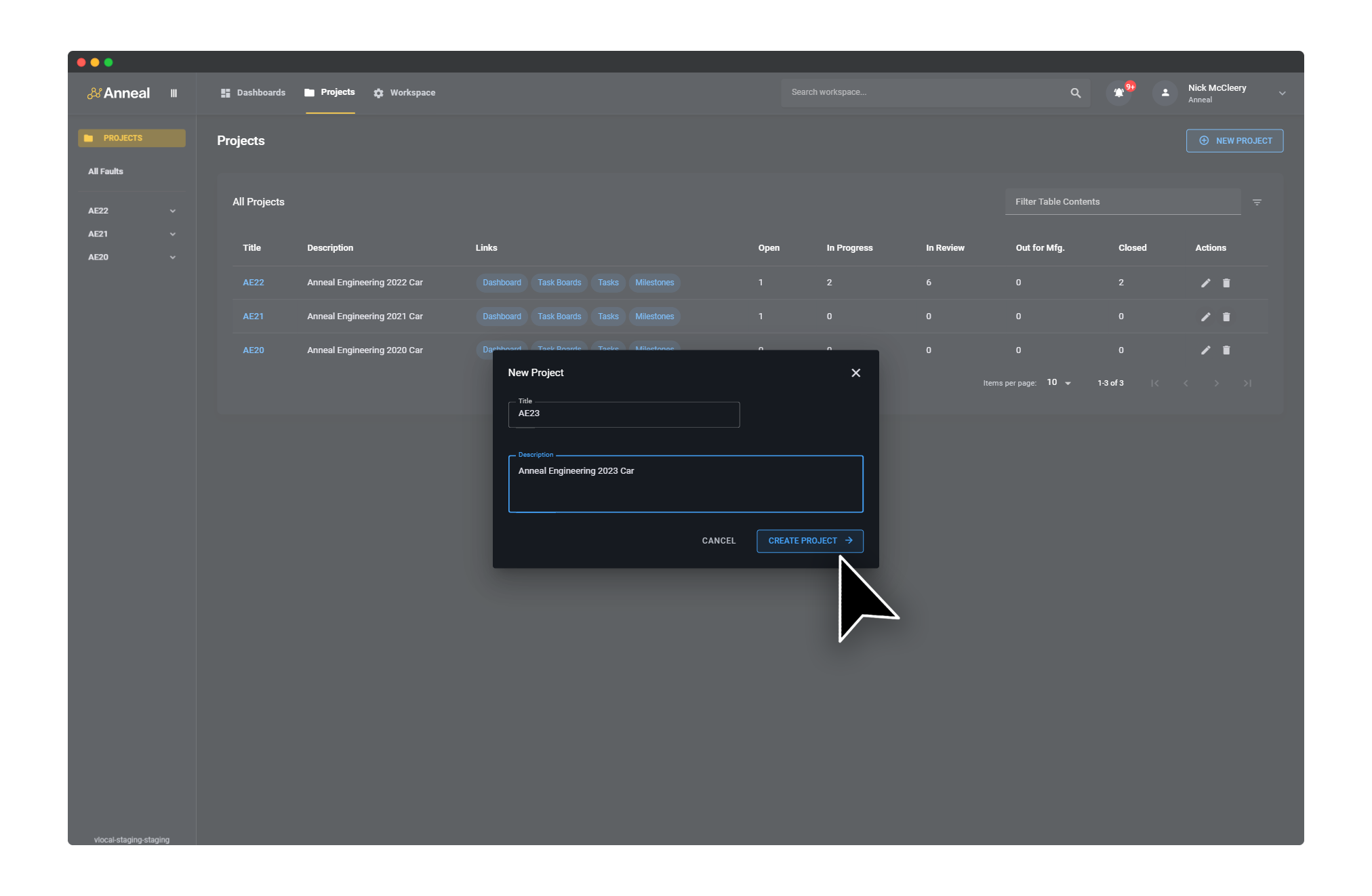
Your new project will now be visible in the project list.